Turn a changing view into a video.
Bring a webcam’s saved image history together in a time lapse video. Watch clouds roll in or a city light up, then share the video with friends.

Webcams · Widgets · Time lapse
Find a favorite view. Watch it change. Share its story.
View on the App StoreFor iPhone, iPad, and Macs with Apple Silicon.
New in ImageTracker
Bring a webcam’s saved image history together in a time lapse video. Watch clouds roll in or a city light up, then share the video with friends.
View multiple cameras at once. See what’s happening across your favorite places without switching between individual webcams.
Save each webcam’s image history so you can look back at how the view changed and turn that history into a time lapse.
ImageTracker turns changing web images into widgets. Add a JPEG or PNG image URL for a webcam, satellite view, or live chart, and your widget refreshes periodically with the latest image. Keep a favorite view on your iPhone or iPad Home Screen, or use widgets on a Mac with Apple Silicon.
Custom widget titles and image sharing are available with the paid upgrade.
It’s the spiritual successor to SlothCam, with all the features of the original and more.
A look inside ImageTracker. These screenshots show existing features; the new gallery, image history, and time lapse tools aren’t pictured yet.



The story behind ImageTracker
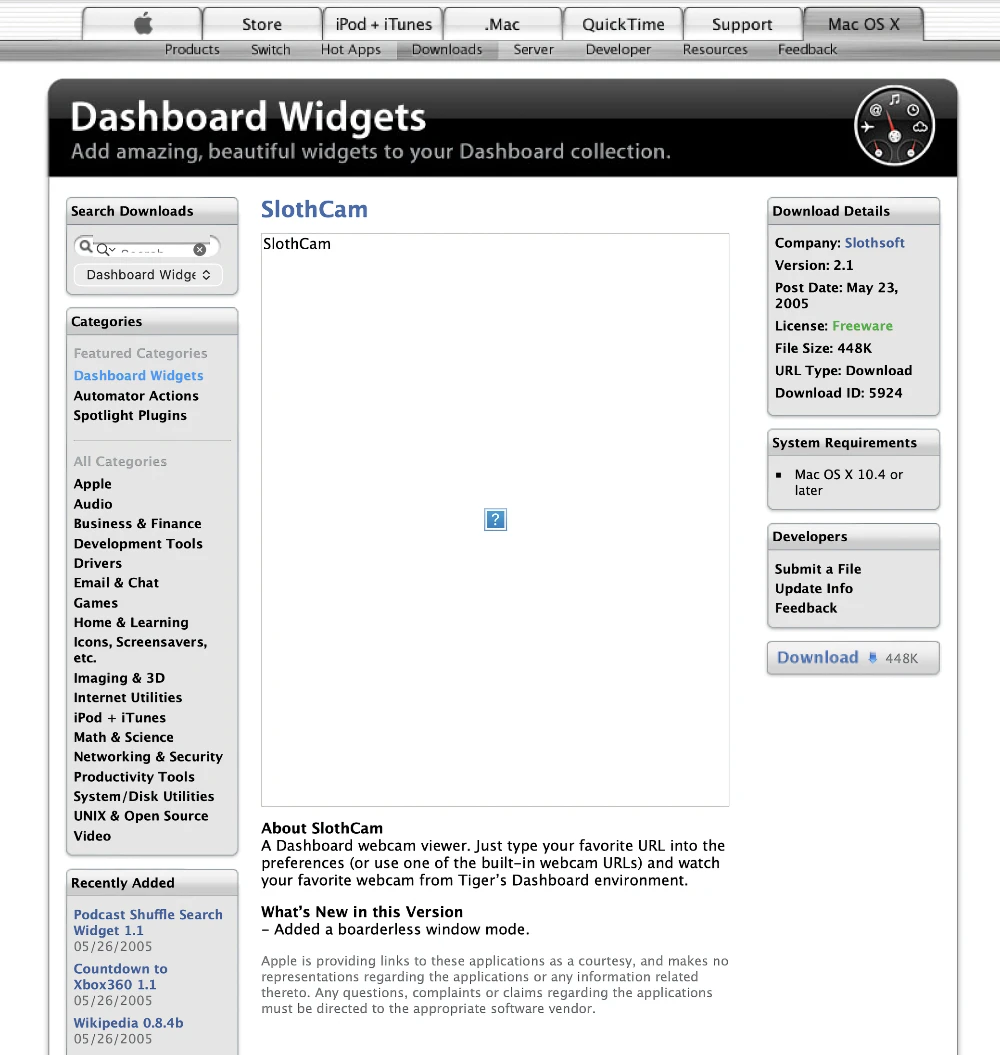
ImageTracker’s story starts with SlothCam. I released it in 2005, in the early days of Mac OS X 10.4 Tiger, as one of the first Dashboard widgets. The idea was simple: bring a live webcam from somewhere in the world onto your Mac’s Dashboard.
Then SlothCam made it onto Apple.com. The June 2, 2005 snapshot below shows it at #3 in Apple’s “Top Widget Downloads,” just below My Yahoo! I remember it reaching #2 at one point. Seeing something I’d made on Apple’s homepage is still one of my favorite moments as a developer.

2005 · Mac OS X Tiger
SlothCam let you choose a built-in webcam or enter your own image URL. Dashboard is now gone, but that simple idea has stayed with me. The SlothCam listing on MacUpdate preserves another piece of its history.
The SlothCam apps
SlothCam grew into an iOS app and a native Mac app, with features along the way including iCloud sync and tvOS support. I built the Mac and iOS apps in Objective-C with Interface Builder. They were products of their time, and I learned a lot making them.
The iOS app is still available but has reached the end of its development. I removed the Mac app from the App Store when I could no longer support it.
ImageTracker · The next chapter
I started ImageTracker to learn Swift and build a modern iOS Home Screen widget. That project grew into SlothCam’s spiritual successor: everything I loved about the original, with a modern foundation and new ways to enjoy the view.
Today that includes widgets on Apple Silicon Macs, a gallery of webcams, saved image histories, and time lapse videos you can share. The same curiosity that started SlothCam is still behind it.
Find a favorite view. Watch it change. Share its story.
View ImageTracker on the App StoreAdd a changing JPEG or PNG image URL to ImageTracker, then use an ImageTracker widget on your iPhone or iPad Home Screen. Widgets refresh periodically with the latest image. ImageTracker also supports widgets on Macs with Apple Silicon.
ImageTracker saves webcam image histories and combines saved images into time lapse videos you can share. Its gallery lets you view multiple webcams together.
ImageTracker accepts JPEG or PNG image URLs for webcams, satellite views, and live charts. Use the image URL when adding a source. Custom widget titles and image sharing are available with the paid upgrade.
SlothCam was a popular Mac OS X Dashboard webcam widget published by Jackson Myers in 2005. It later grew into iOS and Mac apps. ImageTracker continues that story, rebuilt from the ground up for modern iOS and macOS devices.
By Jackson Myers · Published by Catspaw Systems · Page updated . See the App Store for current pricing and compatibility.